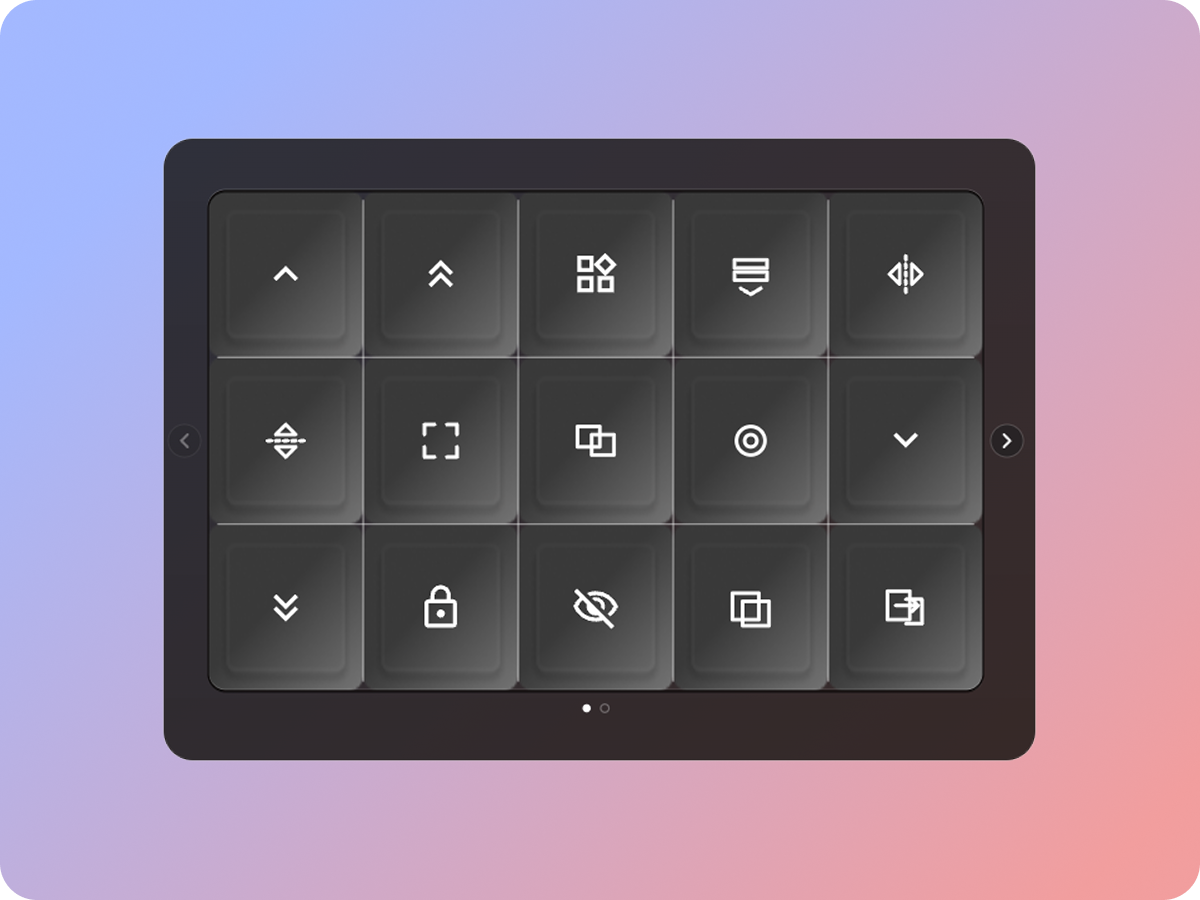
Shortcuts
Send the shortcuts you use most with a single touch.
A touch control layer for your Mac. Place buttons and dials on screen and send shortcuts to the app you are working in.
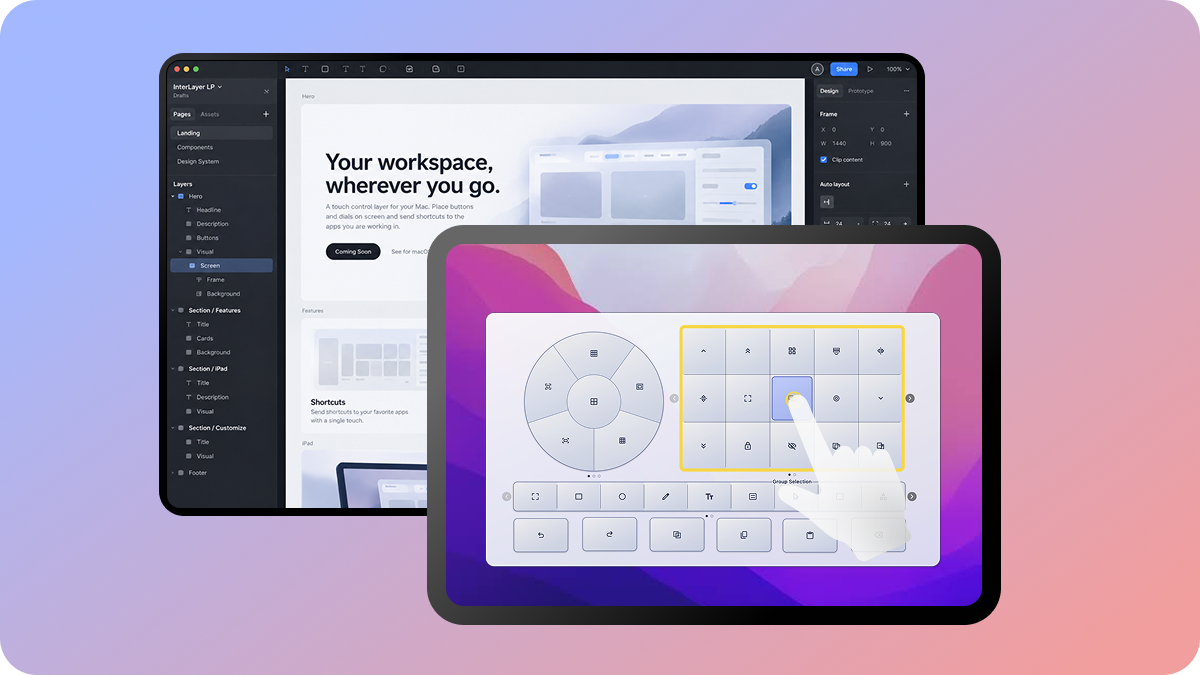
Connect your iPad with Sidecar and control the app on your Mac by touch. A mouse works too.
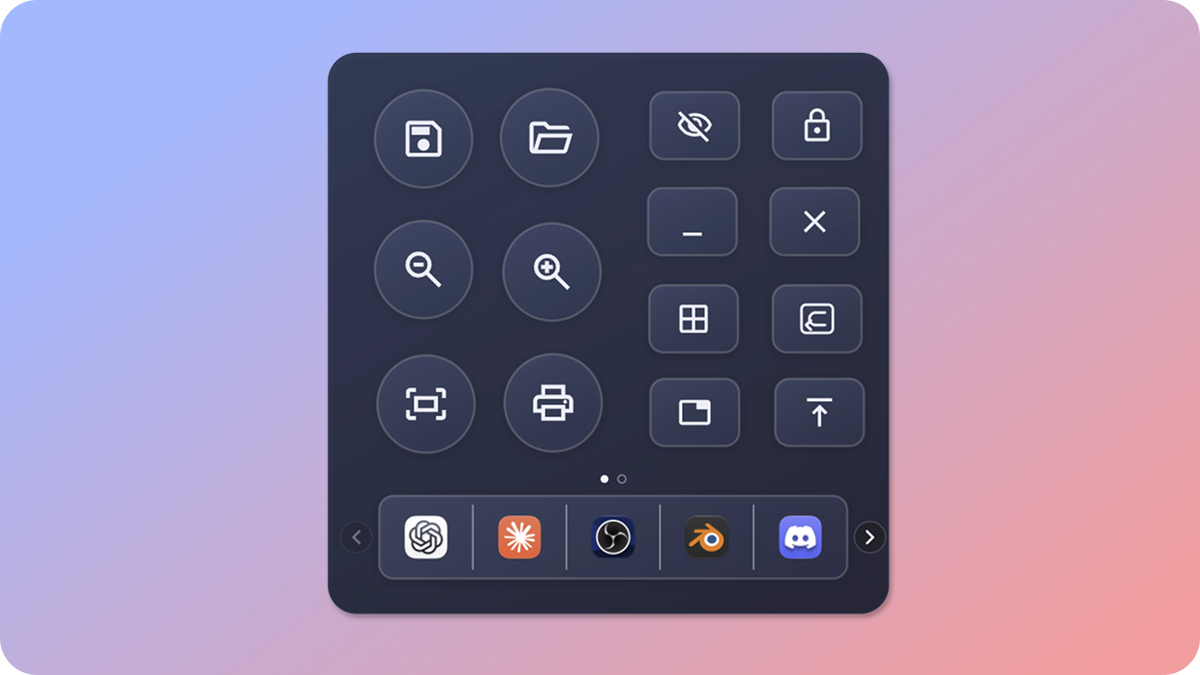
No iPad needed. Bring up your controls anywhere on your Mac, right where your cursor is.
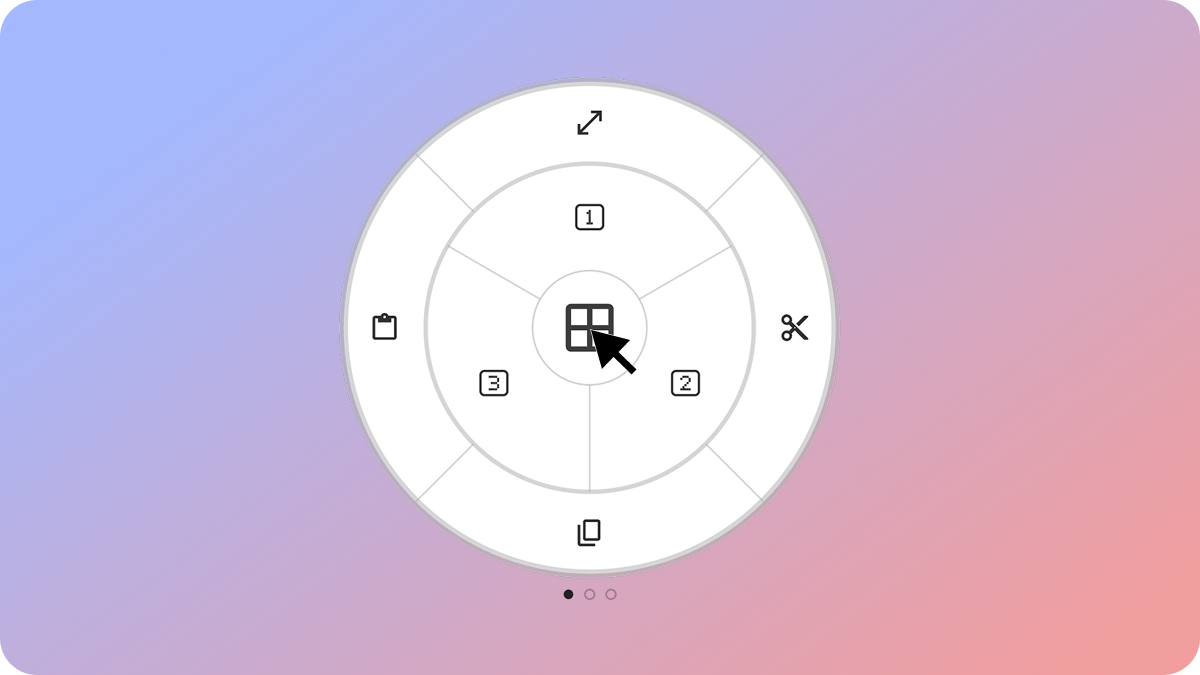
Send the shortcuts you use most with a single touch.
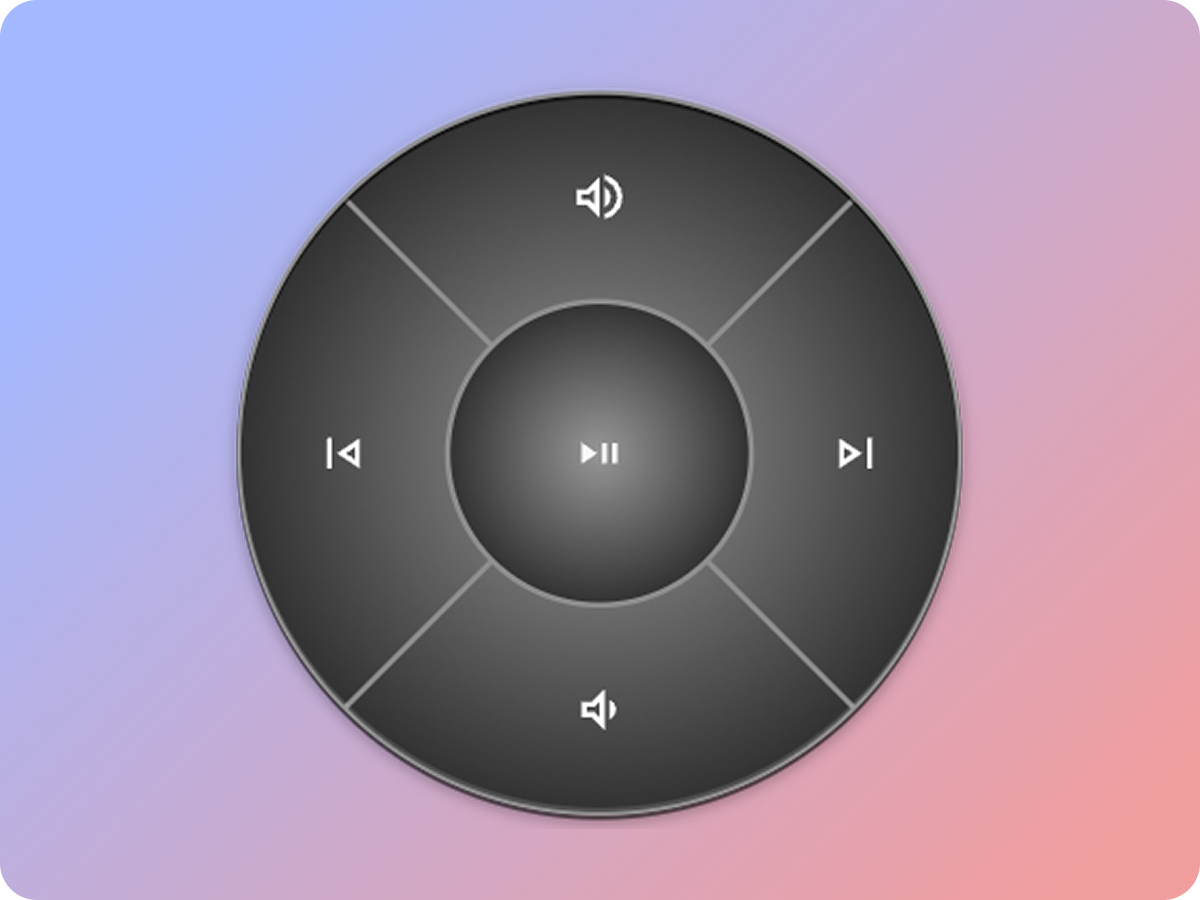
Play, pause and change the volume without leaving your work.
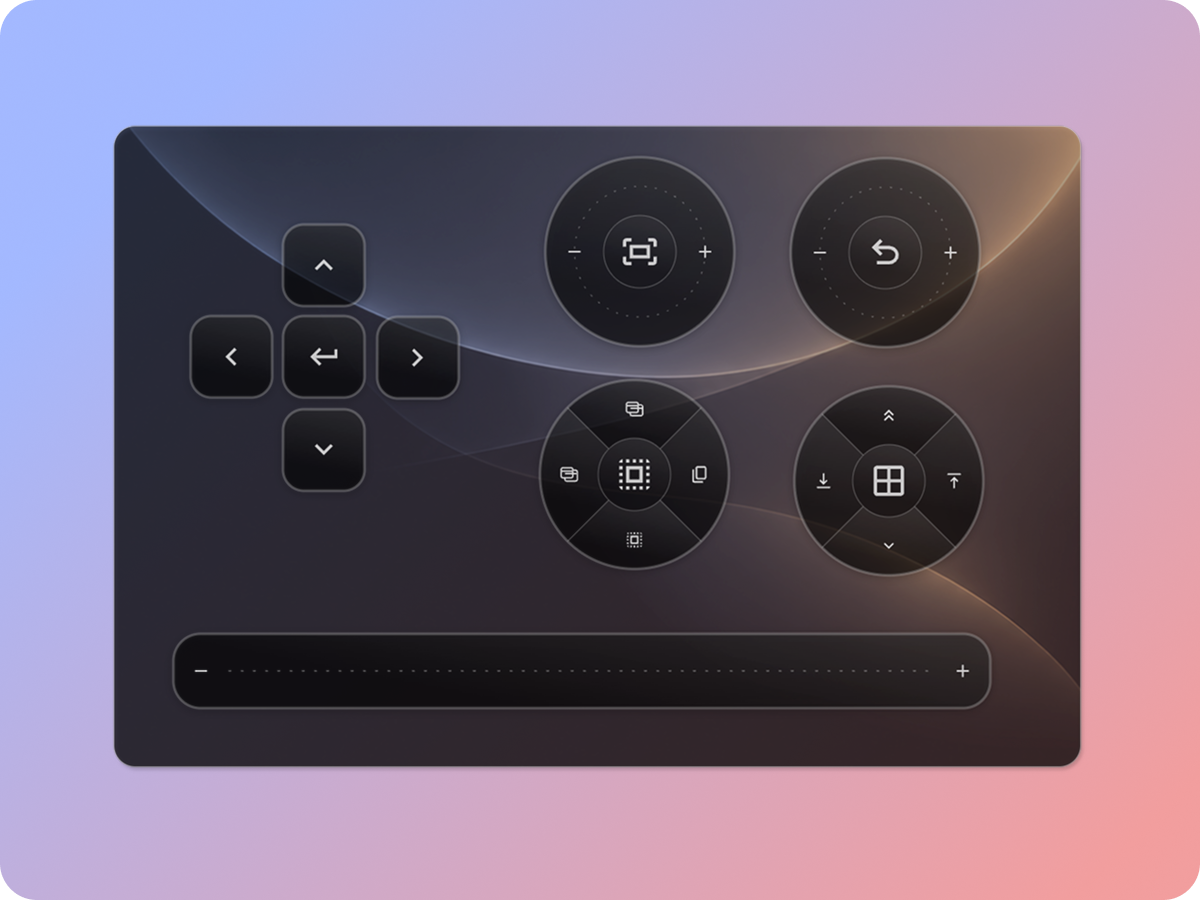
Keep the controls of your creative apps on a panel at hand.
Arrange parts, assign commands and change the look in Studio.
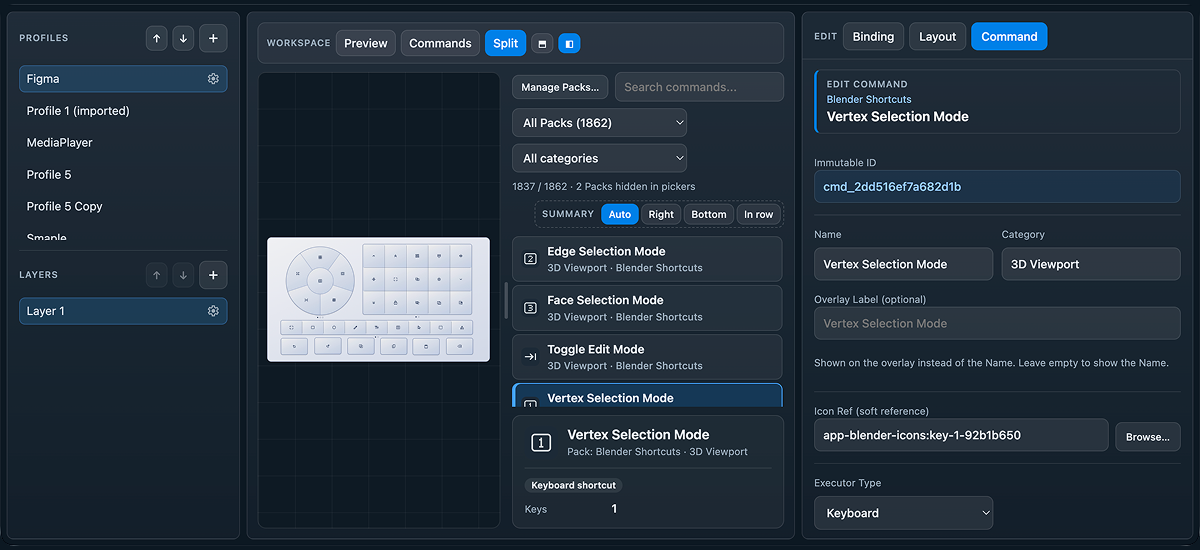
Turn your ideas into interactive controls.
Choose your parts, connect commands, and customize everything visually.
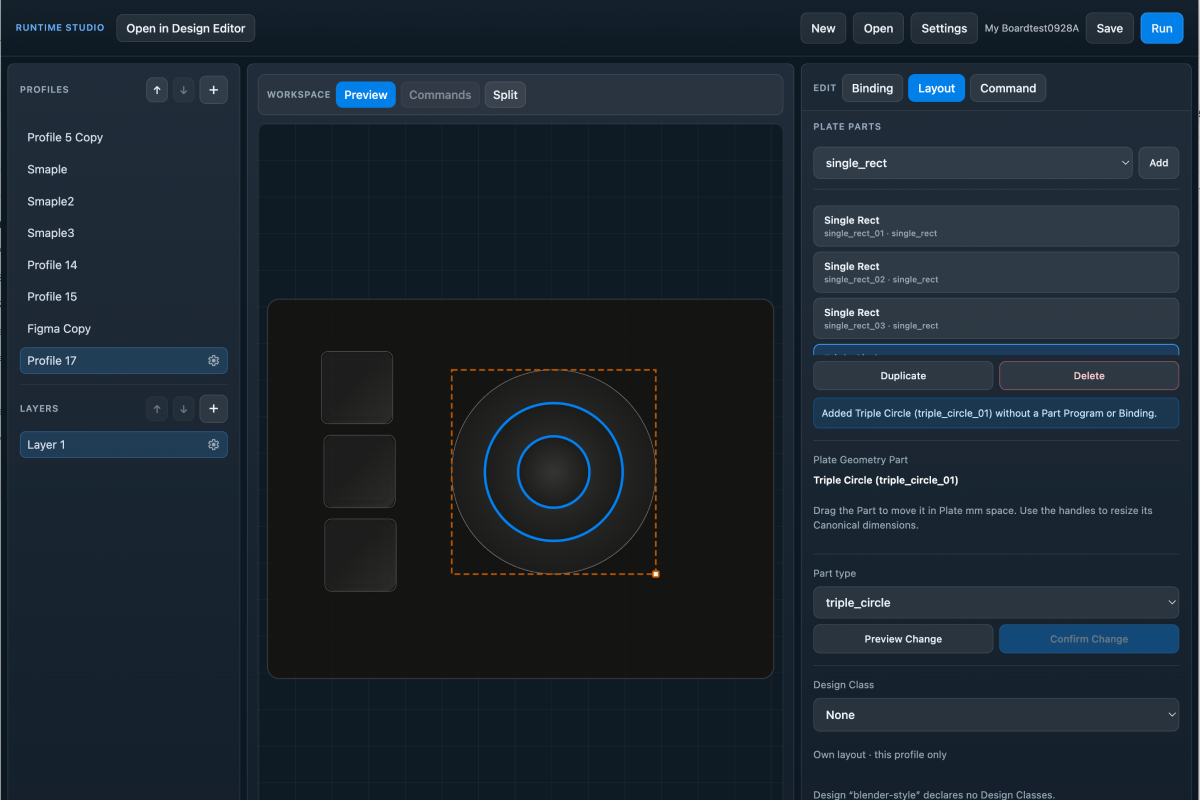
Create custom control layouts with buttons, dials, sliders, and more. Assign commands and organize your controls into profiles, layers, and pages for any workflow.
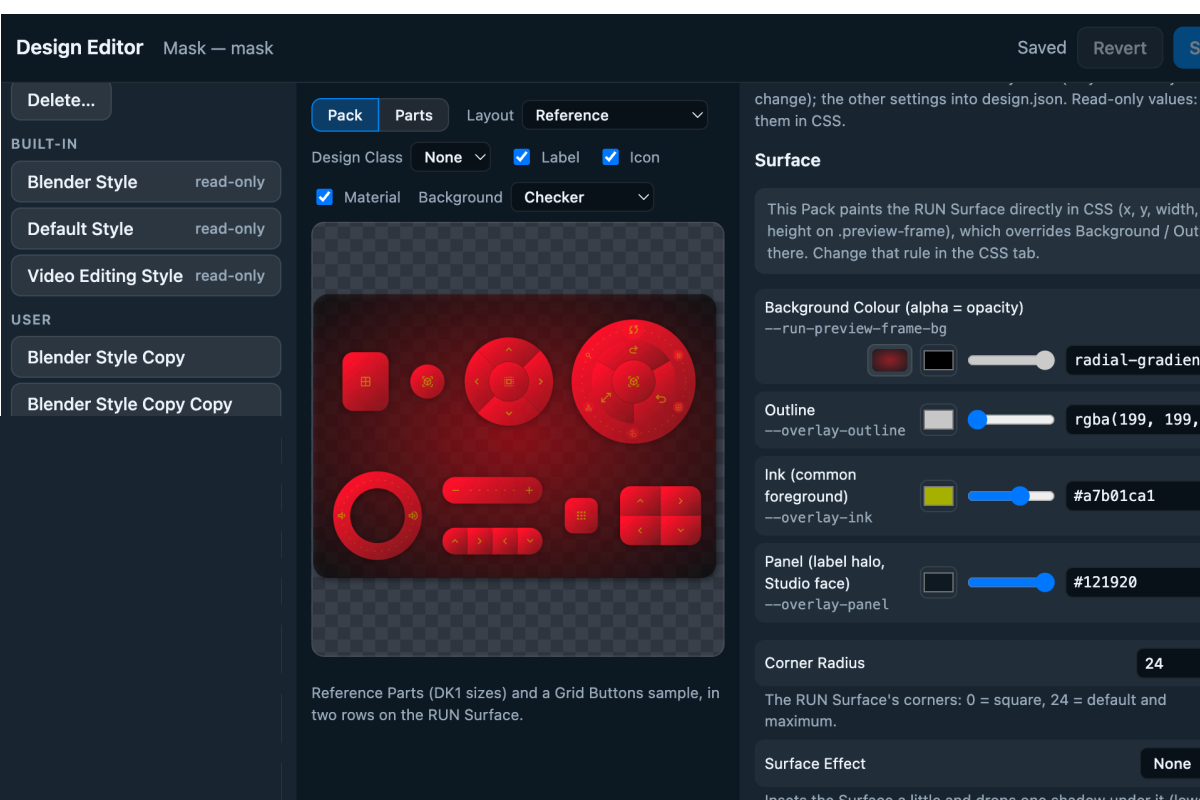
Customize colors, shapes, gradients, and visual styles to make every control your own. Create original designs, build on presets, and share them through export and import.
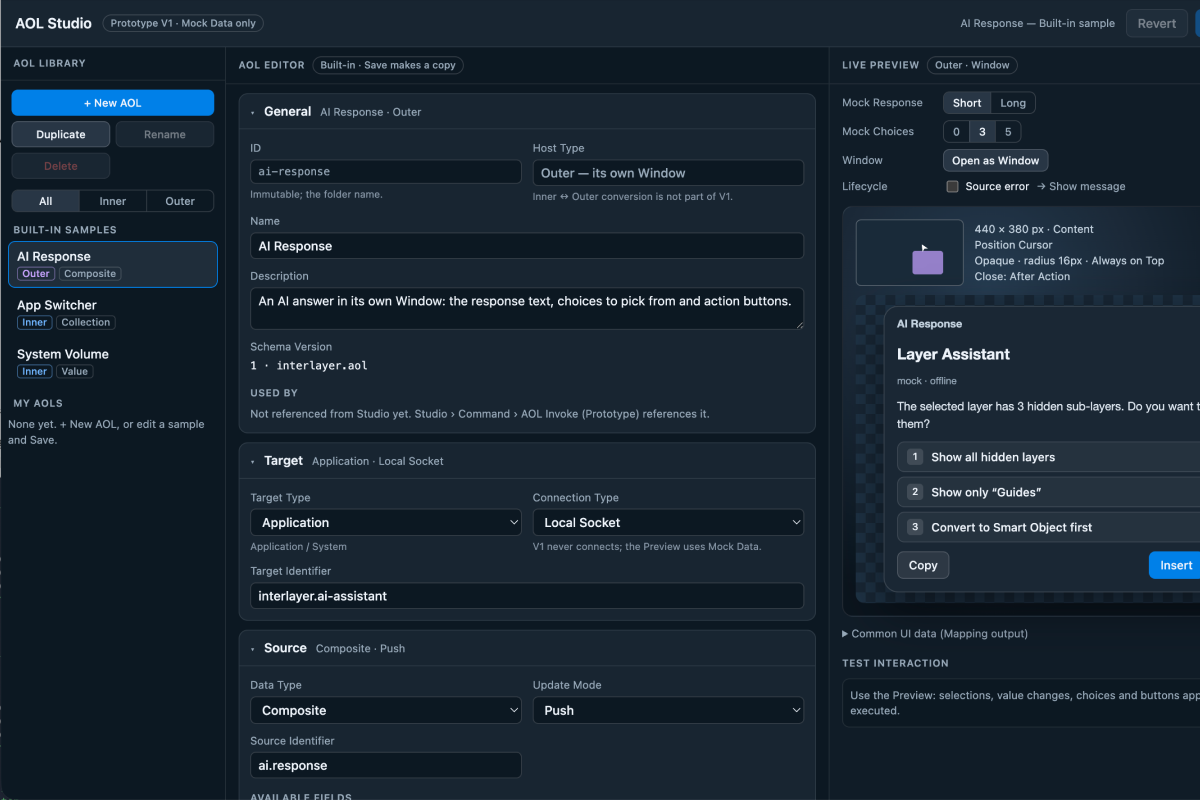
Connect with external applications to exchange data, display live information, and create dynamic controls that respond to changes in real time.

Note: InterLayer also works with a mouse or trackpad. An iPad is not required.